Convert images to JPEG
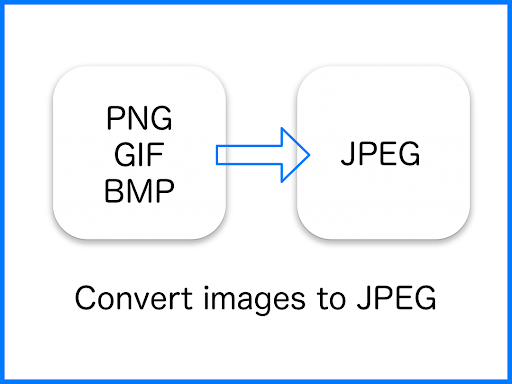
JPEG Converter-PNG/GIF to JPEG changes image files into JPEG format. It supports PNG, GIF and BMP images, making it useful when you need a JPEG copy of an image in one of those formats. The app is a straightforward fit for people who need format conversion rather than a broader photography or image-editing tool.
What happens to transparency
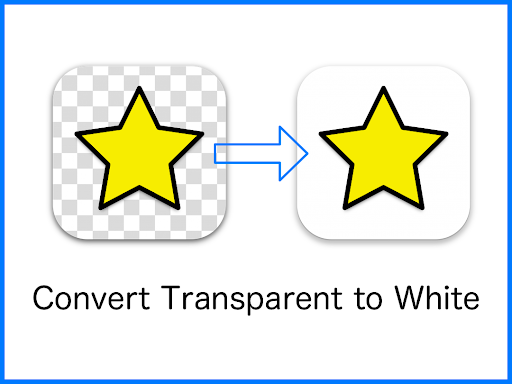
JPEG does not retain transparent areas in the converted image. This app replaces transparent color with white, so an image with a transparent background will have white in those areas after conversion. Keep that in mind when converting icons, graphics or other images designed to sit on a colored background: the result will not preserve the original transparency.
Where converted images go
Converted files are saved in the /Pictures/JPEG/ folder. That gives you a specific place to look for the JPEG versions separately from the originals. The app’s stated purpose is conversion to JPEG; the supplied details do not indicate other editing tools or additional output formats.
At a glance
- Developer: handyCloset Inc.
- Category: Photography
- Rating: 4.49 out of 5 from 20,577 ratings
- Installs: 5,000,000+
The rating and install count offer a sense of the app’s reach, while its core use remains simple: convert supported image files to JPEG and find the results in the designated folder. It may suit users who regularly receive PNG, GIF or BMP images but need them in JPEG format for a particular workflow or destination.